Dokumentasi ini menjelaskan mekanisme kegagalan sistem yang menyebabkan siklus booting tanpa akhir.
| Tahap | Status | Aksi Sistem |
|---|---|---|
| Power On | Start | Bootloader menginisialisasi Hardware. |
| Kernel Load | Processing | Sistem mencoba memuat Kernel & Partisi /system. |
| Validation | Critical | Terdeteksi file korup, hilang, atau permission error. |
| Watchdog | Panic | Sistem keamanan mendeteksi kegagalan 'init' process. |
| Reboot | Loop | Perangkat dipaksa restart dan kembali ke Tahap 1. |
Kondisi bootloop yang dibiarkan terus-menerus akan mengakibatkan:
- Battery Exhaustion: Konsumsi daya melonjak drastis karena proses booting adalah fase terberat bagi CPU.
- Thermal Overheat: Beban kerja konstan tanpa jeda pendinginan membuat komponen internal panas.
- Data Inaccessible: Enkripsi partisi data tidak bisa terbuka, sehingga file user terkunci di dalam.
- Hardware Stress: Potensi kerusakan permanen pada memori internal (eMMC/UFS) akibat siklus baca/tulis yang gagal.
Catatan Teknis: Bootloop seringkali disebabkan oleh modifikasi sistem yang tidak kompatibel atau kegagalan saat proses OTA Update.
Bootloop itu sebenarnya kondisi di mana perangkat (kayak HP atau PC) gagal masuk ke sistem dan malah restart terus-menerus di tampilan awal. Nah, tools Bootloop ini fungsinya buat ngetes lewat file biner (.exe). hasil rancangan ini biar bisa eksperimen atau prank "error" di Virtual Box, biar lu bisa paham gimana sistem bereaksi tanpa perlu ngerusak device asli.
- pkg update && pkg upgrade -y
- pkg install python -y
- pkg install git -y
- termux-setup-storage
- git clone https://github.com/Boiescylosh/Bootloop
- cd Bootloop
- python Bootloop.py
- sudo apt update && sudo apt upgrade -y
- sudo apt install python3 -y
- sudo apt install git -y
- git clone https://github.com/Boiescylosh/Bootloop
- cd Bootloop
- python3 Bootloop.py
- brew install python
- brew install git
- git clone https://github.com/Boiescylosh/Bootloop
- cd Bootloop
- python3 Bootloop.py
- Install Python (Wajib centang "Add Python to PATH")
- Install Git for Windows
- Buka CMD atau PowerShell, lalu ketik:
- git clone https://github.com/Boiescylosh/Bootloop
- cd Bootloop
- python Bootloop.py
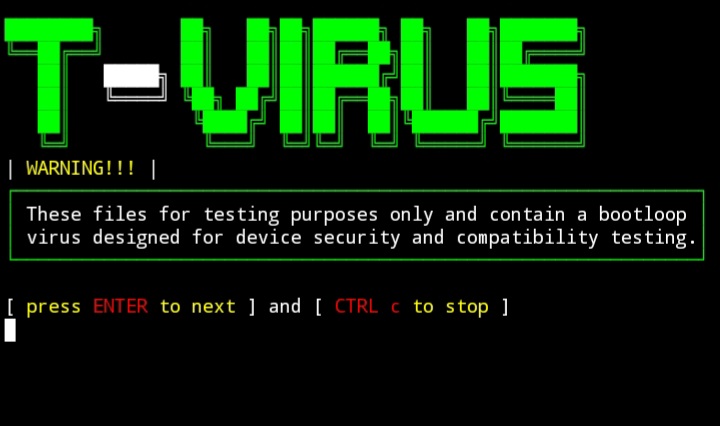
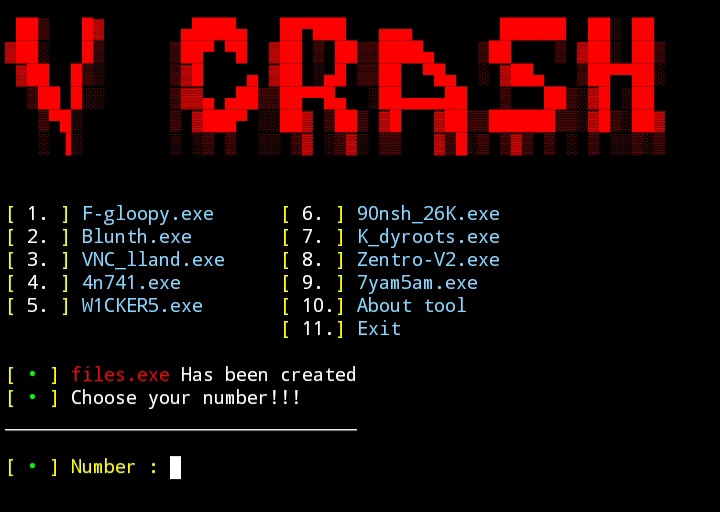
BACA: Alat ini dibuat hanya untuk tujuan edukasi dan pengujian sistem pribadi (Self-Testing). Penggunaan alat ini untuk tujuan ilegal atau merugikan pihak lain. Author tidak bertanggung jawab atas segala kerusakan yang ditimbulkan.